Assign Latin Texts as Homework — and See Who Actually Read Them
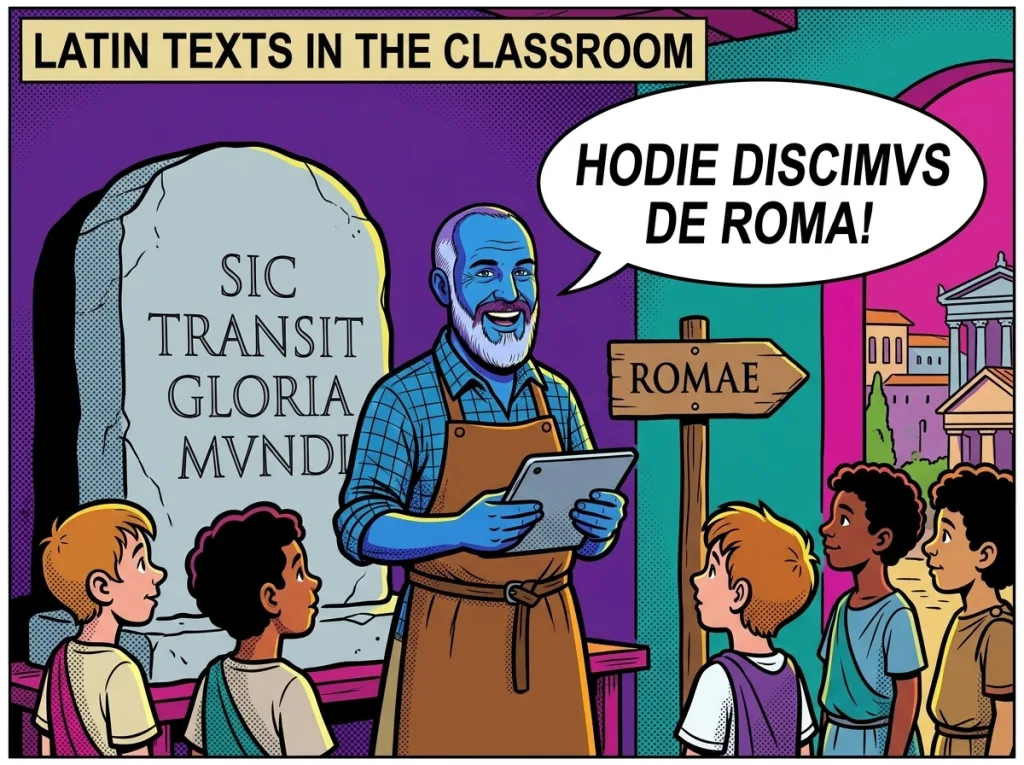
The reading module inside the Lapicida Officina lets teachers assign Latin texts as homework. With a due date and an automatic reading score, you can see who worked through a text — and how well they did it.
- Pick a text from the library (Cicero, Caesar, Sallust, Vergil, and more)
- Set a due date — the text shows up as homework right inside the app
- Reading score: the share of word forms and sentence roles a student identified correctly
- Automatic nudge for students who haven’t started within 24 hours of the deadline
How do I assign Latin texts as homework?
In the Officina dashboard, go to Reading → Assign homework: choose a text from the library, set a due date, pick a class. From that moment the text appears for every student in the class with a due-date badge inside the app.
| Step | What you do |
|---|---|
| 1 | Open the reading library (Officina → Reading) |
| 2 | Choose a text (filter by author or difficulty, L3–L27) |
| 3 | Set a due date |
| 4 | Assign a class (one or several) |
| 5 | Save — the text appears in the student app straight away |
The reading library — authors and difficulty levels
The reading library holds texts by Cicero, Caesar, Sallust, Vergil, Ovid, Pliny, Suetonius, the Vulgate, and the fictional graded-reader author Marcus Lapicida Iunior. Every text is sorted into a difficulty level (L3–L27).
| Level | What it looks like | Typical author |
|---|---|---|
| L3–L9 | Gentle: short sentences, first and second declension, present tense | Marcus Lapicida Iunior (graded reader) |
| L12–L18 | Middle: accusative-with-infinitive, participles, ablative absolute, perfect tense | Caesar (De Bello Gallico, adapted) |
| L21–L27 | Hard: every construction, subordinate clauses, historic present | Cicero, Sallust (original prose) |
Filters: narrow the library by author, level (L3–L27), sentence type (accusative-with-infinitive, ablative absolute, relative clause, and more), and collection theme.
The reading score — what it measures and how it is worked out
The reading score measures the share of word forms and sentence roles a student identifies correctly while working through a text. It is calculated automatically and shown in the Officina dashboard.
| Component | What is measured | Weight |
|---|---|---|
| Sentence-role recognition | Share of sentence roles matched correctly in the text’s sentence quiz | 60% |
| Vocabulary-help rate | How often the vocabulary hint was opened (less often = better) | 25% |
| Completion rate | Share of sentences worked through in the text | 15% |
Reading the score: a score of 80% means the student identified 80% of the sentence roles correctly and rarely reached for the vocabulary hint. A score below 50% is a signal that the text is too hard, or that the constructions aren’t secure yet.
Assigning reading needs a class already set up. If you’re new to the whole approach, our Latin learning method page explains how Lapicida is built around real author texts rather than endless tables.
And if you want the bigger picture — how the app works across a whole lesson, not just for reading — see Latin app in class.
Reading as homework — simple and measurable
Pick a text, set a due date, read the score. Officina teacher licence: €19.99 a year.
Automatic reminders and tracking
- Automatic reminder: students who still haven’t started 24 hours before the deadline get a push notification (if enabled), or see a clear prompt the next time they open the app.
- Completion status: for every assigned text the Officina dashboard shows how many students have started, how many have finished, and the class average score.
- Practise more than once: students can work through a text several times. The best score counts — not the first.
Frequently asked questions — Latin texts in class
Learn Latin now. Our learning app:

Can I upload my own texts to the library?
Yes. Your own texts can be added through the reading import. The text is lemmatised automatically and fitted with vocabulary hints, and the annotation can be corrected by hand in the wizard.
What happens once the due date has passed?
The text stays visible in the app and can still be worked through. The due-date badge switches to ‘overdue’, and the completion status stays visible in the Officina dashboard.
Which difficulty level fits which class?
L3-L9 for years 1–2 (the introductory phase), L12-L18 for year 3 (first reading with accusative-with-infinitive and participles), L21-L27 for year 4 and Latinum preparation (original prose). When in doubt, pick a text one level easier – the reading score quickly shows whether it fits.
Latin texts in class — start today
Assign a text, read the score, watch the progress — the Lapicida Officina. Teacher licence: €19.99 a year.
About the author
Andreas Blankenstein is the founder of Lapicida Latinus — and dyslexic himself. When he had to catch up on his Latinum in record time, one thing became clear: endless table-cramming fails exactly the people who learn differently. That’s why Lapicida builds learning around real author texts, colour-coded and in small steps. More about learning Latin the Lapicida way →
Learn Latin now. Our learning app: