Latin Learning Profiles: What Your Class Sees — and What Stays Locked
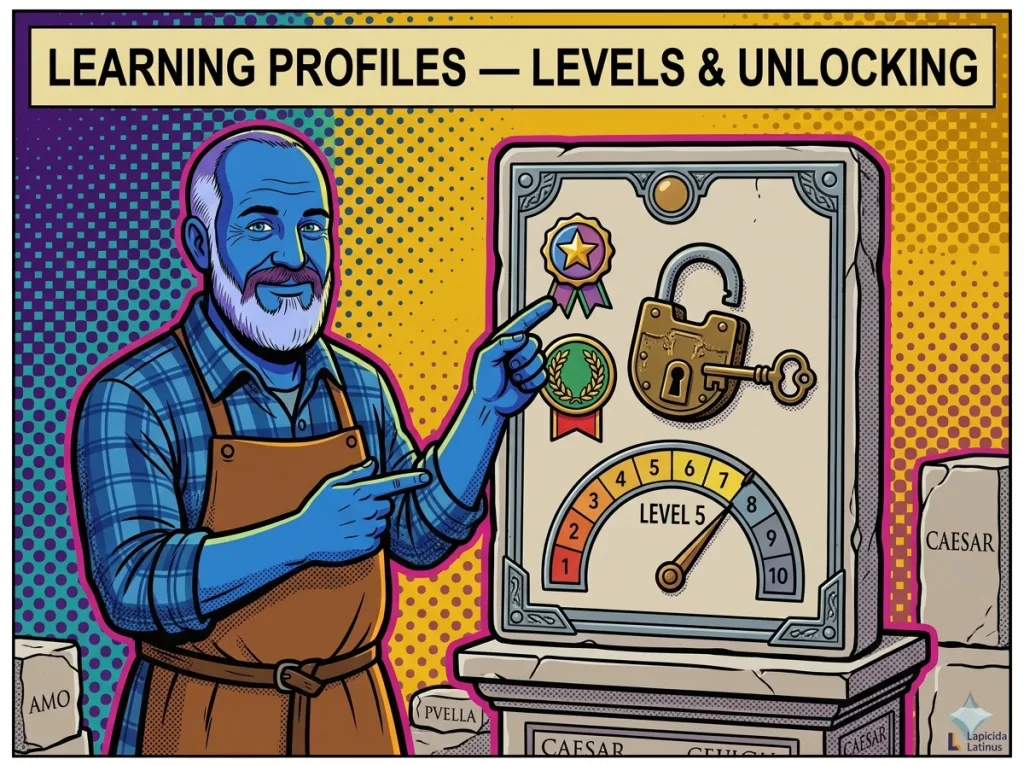
Latin learning profiles in the Lapicida Officina control what the students in a class can see and practise. The level (1–4) sets the overall scope; individual areas can then be locked or unlocked on top of that. So the app maps precisely to where your teaching actually stands — from the very first lessons to Latinum exam prep.
- Levels 1–4: from basic grammar to Latinum standard
- Locked areas (🔒): invisible to students
- Preset profiles for common course structures (by year and stage)
- Manual fine-tuning: individual Sentence Quiz areas or Forms Trainer modules
How do learning profiles work in Lapicida?
A learning profile is made up of a level (1–4) and a list of unlocked areas. Level and areas can be set independently of each other. Teachers can pick a predefined preset or build a profile manually from scratch. The profile applies to every member of a class.
| Level | Forms Trainer | Sentence Quiz areas | Typical stage |
|---|---|---|---|
| Level 1 | a-/o-declension, verb present/perfect | 1 (subject/predicate) | Beginner, Year 1 |
| Level 2 | + conjugations/i-declension, passive, a/o adjectives | 1–3 (+ objects, prepositions) | Year 2 |
| Level 3 | + consonant-stem adjectives, pronouns, demonstratives, participles | 1–10 (+ AcI, ablative absolute, participle, subjunctive) | Intermediate (Years 3–4) |
| Level 4 | All 9 parts of speech, including the gerund | All 14 areas, including the gerund | Final year, Latinum |
Unlocking and locking areas — fine-tuning
Locked areas (🔒) are invisible to students. They cannot be opened in the app. This makes sense when an area has not yet been covered in class — students shouldn’t run into content they have no way to place yet.
- Forms Trainer modules: every part of speech has sub-modules (for example a/o-adjective declension, consonant-stem adjective declension, adjective comparison). Teachers can unlock individual sub-modules.
- Sentence Quiz areas: the 14 areas can be unlocked one by one. Area 5 (AcI) can be open while area 14 (gerund) stays locked.
- Vocabulary lists: a class can be restricted to a specific vocabulary list (for example only the lesson texts of the course you are currently teaching).
Preset profiles — pre-configured for common course structures
Lapicida ships preset profiles for the most common Latin course structures. Teachers can pick a preset and override individual settings whenever they need to.
| Preset | Level | Description |
|---|---|---|
| Year 1 foundations | Level 1 | a-/o-declension, 1st–2nd conjugation present |
| Year 2 core | Level 2 | + consonant stems, passive, comparative |
| Year 2 extended | Level 2 | extended grammar, perfect passive |
| Transition to reading | Level 3 | participles, AcI, ablative absolute, relative clauses |
| Latinum exam prep | Level 4 | all areas, all parts of speech |
Note: preset profiles are starting points — every setting can be overridden manually.
Configure a learning profile in 2 minutes
Pick a preset, assign it to a class, done. Students only see content that fits where the lessons currently are. Want to see how this plays out day to day? Read our classroom report: the Latin app in class.
Freemium limits vs. full access — what the difference means
Without a licence, students can use the app free in a limited mode (freemium). With a student licence (or a class licence), full access is unlocked.
| Area | Freemium | Full access |
|---|---|---|
| Forms Trainer | a-declension and verb present/perfect only | all 9 parts of speech |
| Sentence Quiz | area 1 (subject/predicate) only, easy only | all 14 areas |
| Vocabulary trainer | “basics” group only | all groups + your own lists |
| Reading | a few texts unlocked | all collections |
The learning method behind the app is described here: how the Lapicida method works.
Frequently asked questions — Latin learning profiles
Learn Latin now. Our learning app:

Can I change a class's learning profile during the school year?
Yes, at any time. The change takes effect immediately. Students see the updated areas the next time they open the app. Any progress they have already made is kept, even when an area is unlocked later on.
What happens to progress when an area is locked?
Locked areas become invisible, but the progress stays saved. When the area is unlocked again later, students see exactly where they left off.
Are there learning profiles for self-study?
Without a class, students follow their own learning stage. The app recommends a path: a/o-declension → verbs in the present → Sentence Quiz subject/predicate → reading → vocabulary. Teachers can steer this path through the learning profile.
Set up your learning profiles now
Pick a preset, set up a class, and your students learn exactly at their level. Officina teacher licence: €19.99 a year.
About the author
Andreas Blankenstein is the founder of Lapicida Latinus — and dyslexic himself. When he had to catch up on the Latinum in record time, one thing became clear: endless table-cramming fails exactly the people who learn differently. That’s why Lapicida builds learning around real author texts, colour-coded and in short steps. More about the Lapicida method →
Related reading
Learn Latin — start here · The Latin app in class · Spaced repetition for Latin · Active recall for Latin · Reading Latin texts · Latin conjugation chart
Learn Latin now. Our learning app: